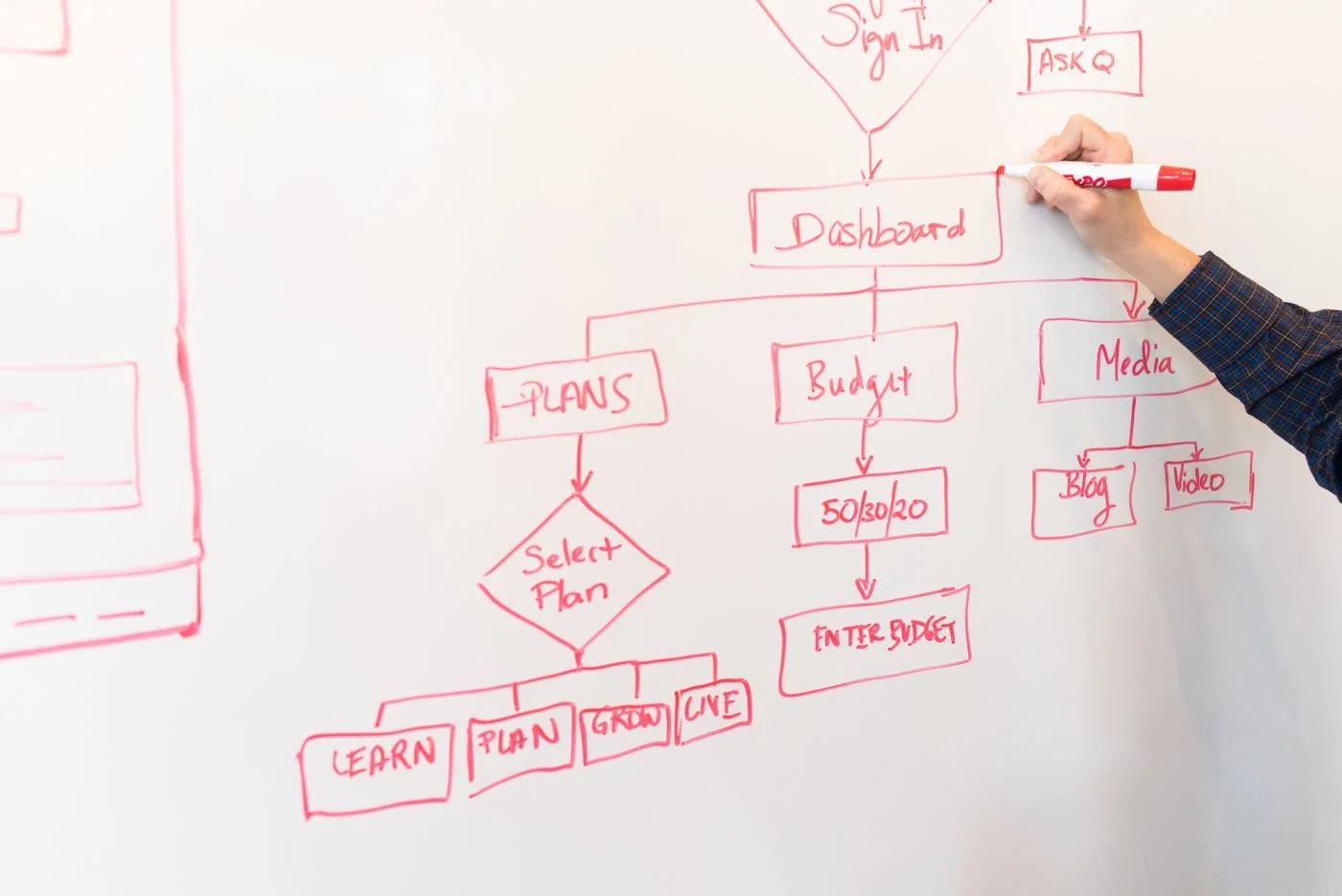
An email automation should first be described as a process before individual messages are built in a tool. The most important questions often lie between messages: who enters, when the sequence ends and what happens when status changes.
Choose a limited purpose
Start with a process whose benefit is clear. A requested information series might deliver several related explanations. It needs an appropriate basis for sending and should not arise automatically from every kind of contact.
Write one sentence defining completion. “The person has received the three requested explanations” is easier to test than “strengthen customer relationships.” A bounded goal also makes it easier to decide later whether the automation is still needed.
Separate operational messages about a transaction from marketing. Classification depends on actual content and purpose. A technical trigger such as a form submission does not automatically answer that legal question.
Specify entry conditions
Define the event that starts the sequence and any additional conditions. Confirmed status may differ from a newly imported address. Check whether historical records would accidentally enter when the automation is switched on.
Decide whether someone may enter more than once. Repeated record updates should not inadvertently produce several welcome sequences. Where repeat entry is intentional, individual runs need a clear distinction.
Document missing-data handling. A condition such as “interest known” needs an answer for records without a choice. An unknown value should not silently become agreement to every subject.
Make timing and order visible
Draw the messages and waiting periods. Use precise meanings: two days after confirmation differs from next Monday. Account for the system's actual time zone and possible delays between connected services.
Check whether other campaigns run at the same time. One sequence may appear restrained while overlapping processes together send many messages. Define how such overlaps will be limited.
Every step should identify the information delivered and any expected action. An additional message needs its own purpose. Repetition merely to increase contact frequency does not replace relevant content.
Define exits and interruptions
Unsubscribing must affect subsequent marketing messages. Reaching the objective, changing an order or applying an internal suppression may also require an exit. Record which conditions are checked immediately and which are checked only before the next send.
Consider replies too. If someone has already asked a specific question, an inappropriate standard sequence may be confusing. Depending on the purpose, pausing or handing over to a person may be appropriate. Make that a deliberate decision.
Establish an accessible emergency stop. Who can pause the process after a wrong link, unsuitable audience selection or technical failure is discovered? Check whether pausing affects messages already queued. Do not assume every tool behaves identically.
Test before activation
Use controlled test contacts for a normal run, missing values, duplicate triggers, unsubscribe between messages and a later preference change. Inspect the actual order and audience selection, not only the wording.
If waiting periods are shortened for testing, record that and restore the intended values before launch. A successful shortened simulation is not the same as observing a complete multiweek production run.
Begin with a limited scope and inspect the first actual events. The automation remains a maintained process: content, links, rules and ownership need review when the offer changes. Save the process sketch with the active version so the tool's interface is not the only explanation of how the sequence should work. This also gives a replacement colleague enough context to investigate an unexpected message without reconstructing every decision from scratch.
Think through a complete branch
As a test example, a person receives a requested introduction and can then choose a follow-up subject. The selection should lead to exactly one relevant explanation. Draw three cases: topic A, topic B and no selection. The third case should not simply disappear from the design.
Check what happens if someone first chooses A and later B. Does the second choice replace the first, add to it or apply only to a future run? Any of those rules may work operationally, but it must fit the described offer. An unexpected duplicate message often reflects an unresolved rule rather than an unavoidable limitation.
Add an unsubscribe between selection and sending. Check whether eligibility is assessed again immediately before the message. An earlier stored status may now be outdated. Returning from a manual pause also needs a decision: does the waiting period continue or restart?
Record the expected result before testing each case. Otherwise observed behaviour can too easily be reinterpreted afterward as intentional. For a small automation, this case list remains manageable while preventing several common failures at once.