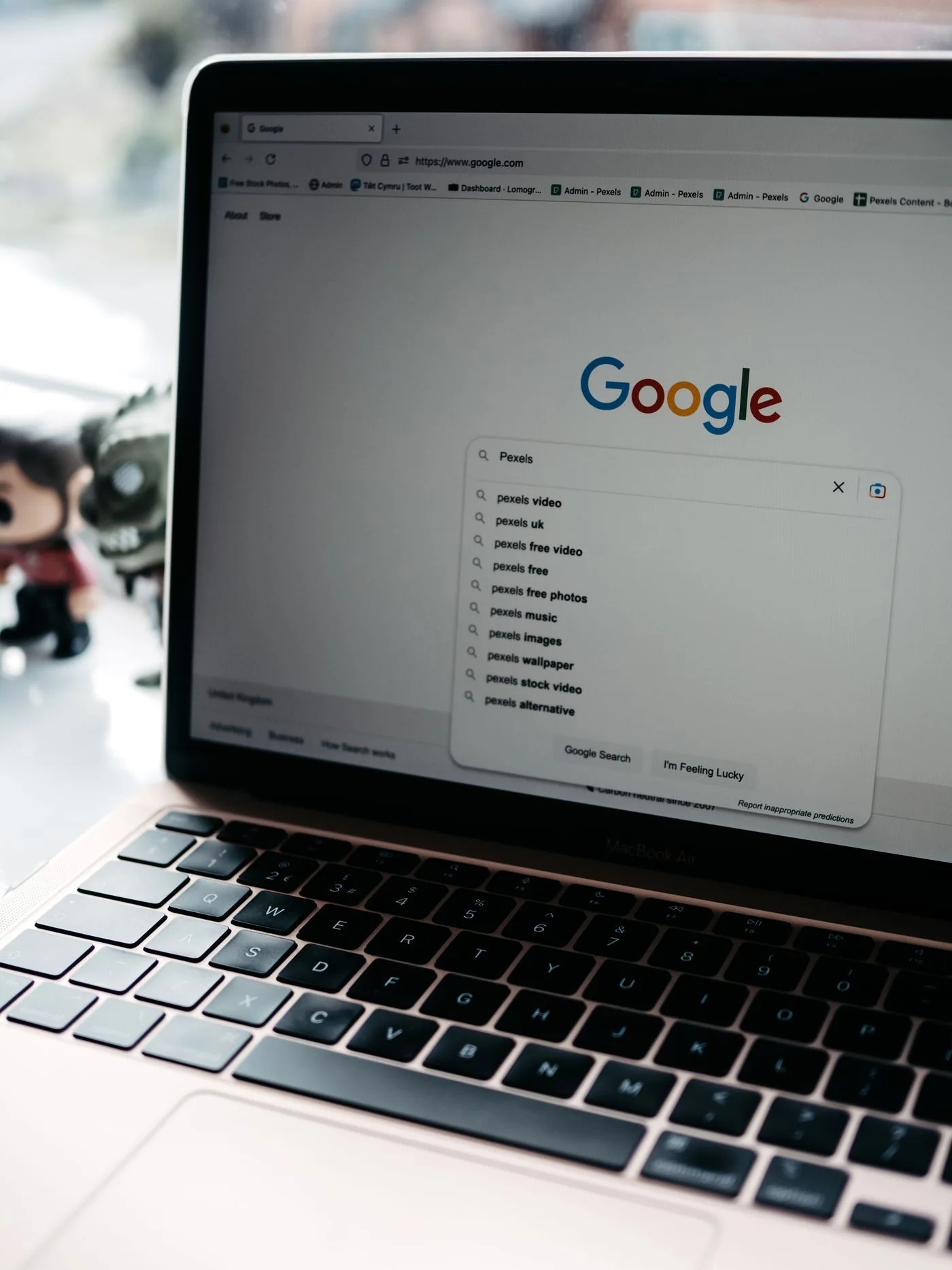
A meta description briefly describes a particular page. It should help people decide whether the content matches their question. It does not need a string of disconnected keywords or the same general company description on every URL.
Write it after the main content where possible. You can then check what the page actually contains. A preview should not promise material that might be added in a future revision.
Explain the difference from neighbouring pages
Compare two related pieces. One explains the window-repair process; another explains preparation for an on-site appointment. The first description should introduce the process, while the second can mention information to prepare and access to the working area. An identical statement about quality services does not distinguish them.
Choose one or two details that reveal the specific page's purpose. For enquiry preparation, these may be photographs, measurements and location details. The description does not need to list every heading. Its role is to establish an accurate expectation, not create another complete abstract of the article.
Use the page's terminology in natural sentences. A list such as “windows repair costs service fast” provides little relationship between the words. An exaggerated instruction to act is equally unhelpful when the page itself is informational.
Understand the search-result relationship
Google's snippet documentation explains that displayed descriptions may come from page content and vary with the query. Supplying a meta description therefore does not guarantee that the same text appears every time.
That distinction matters during review. If another passage appears, first assess whether it accurately represents the page. A relevant excerpt is not automatically a fault. If the preview includes outdated or contradictory details, the visible page content may need correction as well.
Display length also varies between devices and presentations. Rather than treating a fixed character rule as universal, put the essential meaning early. Remove repetition and empty introductory wording. A complete, understandable statement matters more than reaching a particular count.
Maintain it with the content
Revise the description when the page's purpose changes. If a general introduction becomes a detailed procedure, the old preview may promise too little or the wrong thing. The same applies to prices, dates and other time-dependent details.
Each language version needs a natural description of its own. Preserve meaning and scope rather than mechanically replacing individual words. Also check that the publishing system has not accidentally reused the German description on the English page.
A final editorial check is to read only the title and description, then open the article. Does the content match the expectation? Can the page be distinguished from related pieces? If both answers are yes, the description serves its purpose even if a search engine later selects another relevant passage. Keep a record of meaningful revisions so that later comparisons consider what changed rather than assuming every variation in clicks was caused by the preview alone.